
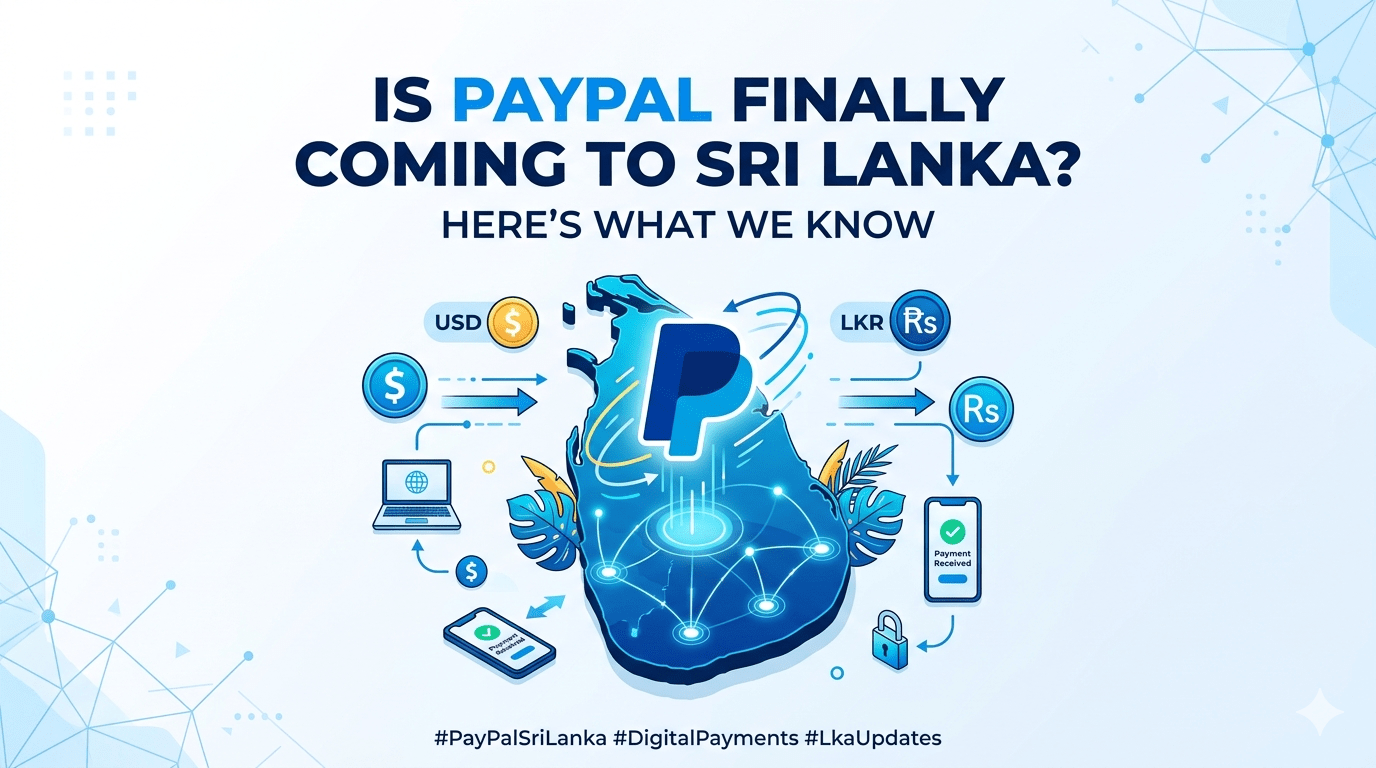
Global online payment giant PayPal is expected to officially expand its services in Sri Lanka starting Friday (15), marking a major milestone for the country’s growing digital economy.
With this rollout, Sri Lankan users are expected to gain access to international payment features through PayPal, allowing them to pay for overseas services, online subscriptions, and global e-commerce purchases more conveniently. Users will also be able to connect locally issued debit and credit cards to their PayPal accounts for smoother transactions.
One of the key advantages of PayPal is its added layer of security, as users can complete payments without directly sharing their card details with external websites.
Interest surrounding PayPal’s Sri Lankan launch increased further after the company added a dedicated “Partner Banks in Sri Lanka” section to its platform. The newly listed banking partners include Sampath Bank, Commercial Bank and Bank of Ceylon.
According to the information shared, customers will soon be able to either create a new PayPal account or connect an existing one with their local bank account, enabling them to receive and withdraw funds directly.
This move is expected to bring significant benefits to Sri Lankan freelancers, remote workers, online entrepreneurs, and digital service providers who have long faced limitations with PayPal’s restricted functionality in the country, especially when it came to receiving payments and withdrawing earnings.
Table of Contents
TogglePayPal Integration with Local Banks
Sampath Bank
Users will soon be able to access PayPal services through the Sampath Bank dashboard by following a simple setup process:
- Log in to the bank dashboard and navigate to the PayPal section.
- Submit the request to create or link a PayPal account.
- Wait for successful verification confirmation from the bank.
- Continue through the PayPal portal to either register a new account or connect an existing one.
- Start receiving and withdrawing funds directly.
Services such as account linking, withdrawals, invoicing, PayPal Checkout, and receiving payments for goods and services are currently marked as “coming soon.”
Commercial Bank
Commercial Bank customers are also expected to receive PayPal integration through the bank’s mobile application:
- Log in to the Commercial Bank app and open the “Portfolio” section.
- Select the “Connect” option under the PayPal integration feature.
- Sign up for a new PayPal account or log in to an existing account.
- Begin receiving or withdrawing funds once activated.
Several features, including withdrawals, invoicing, and PayPal Checkout support, are expected to launch soon.
Bank of Ceylon (BOC)
Bank of Ceylon has also been listed as a future PayPal partner. While integration is not yet active, users are expected to receive the ability to link their PayPal accounts and transfer funds directly to their BOC accounts once the service officially becomes available.
The expected arrival of full PayPal support in Sri Lanka is seen as a major step forward for the country’s freelance industry and digital business sector, opening new opportunities for seamless global transactions and international online commerce.
For more information please visit PayPal official website here.
Frequently Asked Questions at PayPal
In Sri Lanka, PayPal services such as withdrawals and receiving payments are provided in partnership with a licensed local provider. Linking your PayPal account to your local bank account enables you to use these services securely.
Yes, one PayPal account can be linked to multiple different partner banks/wallets.
The PayPal account needs to only be linked with at least one local partner bank/wallet to start receiving money. However, to be able to withdraw from multiple partners, the PayPal account needs to be linked to the multiple partners.
Please contact your local bank customer’s support for help in investigating and resolving the account linking issue. PayPal is unable to contact the local bank on your behalf as sensitive personal information may be requested by your local bank to assist with the issue.
Please ensure that your PayPal account is successfully linked to an eligible local bank partner, in order to receive money with PayPal. Without linking, incoming payments would not be successful. Note that only receiving cross-border payments are supported—meaning customers in Sri Lanka can receive money from PayPal customers from abroad but not locally.
Personal PayPal accounts can be used to receive money for good and services and invoicing. Business PayPal accounts can be used to receive money for goods and services, PayPal checkout, and invoicing.
You can initiate the withdrawal from the local partner bank account’s platform. Simply look for PayPal when you’re logged into your local bank account and follow the steps to complete the withdrawal.
Please refer to the PayPal fees page (for consumer) and PayPal fees page (for business) for the applicable fees for receiving money. The withdrawal fees are subject to respective local bank-defined fees—so please refer to your local bank for information.
From the PayPal personal account homepage, navigate to “Send and Request” > “Send an invoice”. From the PayPal business account homepage, navigate to “Pay & Get Paid” > “Get Paid” > “Create an Invoice”. Then, follow the instructions to create the invoice. Review that all information is correct, then click on “Send”. Your PayPal account must be linked to an authorized partner bank account for the invoice payment to be successful. Note that only payors from abroad are supported, and domestic payments to Sri Lanka PayPal user are not supported.
From the PayPal business account homepage, navigate to “Business Tools” > “Accept Payments” > “Online Checkout” > “Get Started”. Your PayPal account must be linked to an authorized partner bank account for the invoice payment to be successful. Note that only payors from abroad are supported, and domestic payments to Sri Lanka PayPal user are not supported.
From the PayPal personal account homepage, navigate to “Send and Request” > “Request”. From the PayPal business account homepage, navigate to “Pay & Get Paid” > “Accept Payments” > “Request Money”. Then, follow the instructions to enter the information for the money request. Review that all information is correct, then click on “Request Now”. Your PayPal account must be linked to an authorized partner bank account for the requested payment to be successful. Note that only payors from abroad are supported, and domestic payments to Sri Lanka PayPal user are not supported.