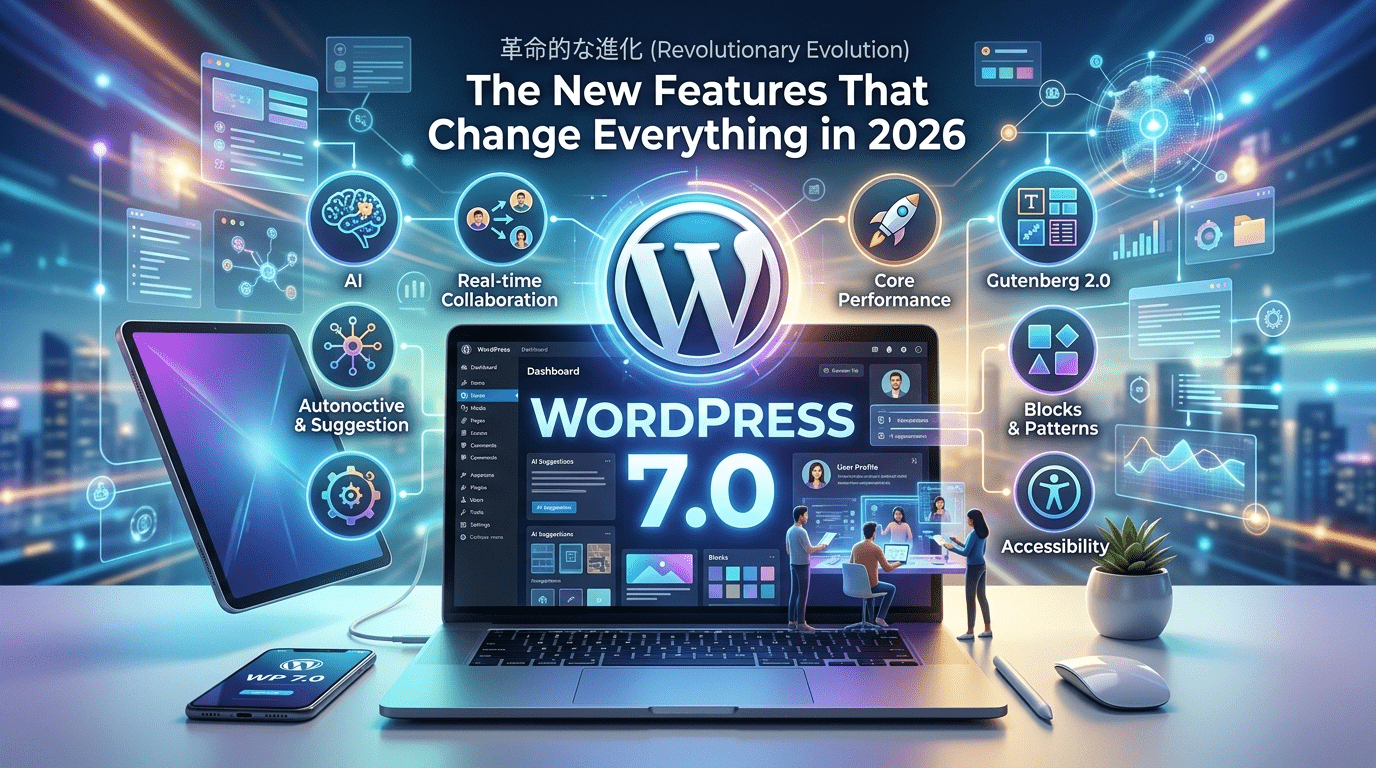
If you’ve been running a WordPress site for any amount of time, you know the platform never really stands still. But the WordPress new update landing in 2026 — WordPress 7.0 — isn’t just another incremental release. It’s the kind of shift that makes you rethink what a CMS can actually do.
We’re talking real-time collaboration, native AI tools, a completely revamped admin experience, and block editor improvements that close the gap between WordPress and purpose-built design tools. Whether you run a personal blog, a content-heavy business site, or manage multiple client installs, this update has something meaningful for you.
Let’s break down what’s actually new, what it means in practice, and how to prepare your site before you hit that update button.
Table of Contents
ToggleWhat Is WordPress 7.0 and Why Does It Matter?
WordPress 7.0 marks the completion of Phase 3 of the Gutenberg roadmap: Collaboration. For years, the WordPress community has been working toward a version of the platform that teams — not just solo bloggers — could genuinely rely on for their daily workflow.
The final release arrived in late May 2026, following a brief but meaningful delay. The core team extended the release cycle to ensure the real-time collaboration architecture was stable enough to ship to the millions of websites running WordPress. That kind of caution is reassuring, not alarming.
WordPress currently powers over 43% of the web. An update at this scale touches an enormous number of sites, businesses, and livelihoods — so getting it right matters.
The Biggest WordPress New Update Features in 2026
- Real-Time Collaboration (The Game-Changer)
This is the headline feature. WordPress 7.0 introduces real-time, multi-user editing — think Google Docs, but inside your WordPress editor.
Multiple team members can now work on the same post simultaneously, with live cursors and instant content syncing. The implementation uses Yjs as the underlying conflict-resolution engine (a proven technology used in many collaborative tools), paired with an HTTP polling sync provider for broad hosting compatibility.
Why it matters for you: No more emailing drafts back and forth. No more “who has the latest version?” chaos in your editorial team. If you run a multi-author blog or manage content for clients, this alone is worth the update.
Practical tip: Classic meta boxes will disable collaboration mode for a post. Start auditing your plugin stack now for meta boxes that haven’t been updated to block-based alternatives.
- Inline Notes: Block-Level Comments
Related to collaboration, WordPress 7.0 lets editors leave comments directly attached to specific blocks — not buried in a sidebar or a separate Slack thread.
Your editor can flag paragraph 3, leave a note saying “needs a stat here,” and your writer sees it in context. It’s a small workflow change with a large practical impact for content teams.
- The DataViews Admin Redesign
If you’ve been frustrated by WordPress’s aging admin interface, version 7.0 brings the most significant dashboard refresh in years. The new DataViews system replaces the classic List Tables with a modern interface that supports:
- Fast filtering and sorting without page reloads
- Grouping content by status, author, category, and more
- A cleaner, more visual layout that feels like a modern web app
For bloggers managing large archives, DataViews makes content management dramatically faster. For agencies handling client sites with hundreds of posts, it’s a genuine productivity upgrade.
- Native AI Integration via the Abilities API
WordPress 7.0 ships with a foundational AI capabilities layer — the Abilities API — that standardizes how AI features interact with core WordPress functions.
Early experiments already include:
- AI-powered excerpt generation directly in the editor
- Content summarization support in the backend
- Image generation API foundations
- An Abilities Explorer admin screen showing all registered AI capabilities
This isn’t a flashy chatbot bolted onto your dashboard. It’s architectural work that positions WordPress to become a genuinely AI-integrated CMS over the coming releases. Third-party plugin developers can now build AI features that hook into a standardized system rather than cobbling together their own approaches.
Practical tip: Keep an eye on plugin updates from your AI writing tools — many will integrate with the new Abilities API rather than using standalone API connections.
- Block Visibility by Device (Viewport Controls)
WordPress 7.0 expands the Block Visibility feature to let you show or hide any block based on the viewer’s device — mobile, tablet, or desktop — directly from the block settings panel.
This is implemented via CSS rather than DOM removal, which means it’s clean, fast, and SEO-friendly. No more workarounds. No more extra plugins. Just a toggle in the editor.
Example use case: Show a compact call-to-action on mobile and a full-width banner on desktop — all from the same post, no custom CSS required.
- Revisions for Templates and Patterns
Previously, revisions in WordPress only tracked changes to individual posts and pages. In 7.0, the revisions panel now extends to templates, template parts, and patterns.
If you accidentally break your site’s header layout at 11pm on a Friday, you can now roll back to a working version just like you would with a post. For anyone managing complex site structures or frequently iterating on design, this is a quiet but important improvement.
- A Dedicated Font Management Screen
Font management has long been tucked away in the Styles panel — not the most intuitive place. WordPress 7.0 adds a dedicated Appearance → Fonts screen where you can manage installed fonts and upload custom ones directly.
It’s a UX improvement that makes WordPress more accessible for non-technical site owners who want control over typography without digging through nested menus.
- PHP Version Requirements: What You Need to Know
WordPress 7.0 drops support for PHP 7.2 and 7.3. The new minimum is PHP 7.4, with PHP 8.2 or higher strongly recommended.
This isn’t just a formality. Running an outdated PHP version affects your site’s speed, security, and compatibility with modern plugins. If your hosting control panel shows PHP 7.3 or lower, upgrading before you update WordPress is a hard requirement.
Action item: Log into your hosting dashboard today and confirm your PHP version. Most managed WordPress hosts have already moved to 8.x — but it’s worth checking.
What About the Block Editor in 2026?
The Gutenberg editor has matured considerably heading into 7.0. A few notable improvements worth highlighting:
Improved Grid Layout: You can now combine the Minimum Column Width and Columns controls simultaneously, giving you responsive columns that also respect a defined column count. Previously, you had to choose one approach or the other.
Synced Patterns at Scale: Update a reusable block once — a call-to-action, a pricing table, a newsletter signup — and it updates everywhere it’s used across your site. For brands managing consistency across dozens of pages, this is enormous.
Block Bindings: Blocks can now pull data dynamically from custom fields, ACF, or external sources. Combined with Synced Patterns, this turns WordPress into a genuinely powerful data-driven content architecture — not just a blog.
What’s Coming Next: WordPress 7.1 and 7.2
The roadmap doesn’t stop at 7.0. Here’s what to expect later in 2026:
WordPress 7.1 (Summer 2026):
- Refinements to collaboration features (better conflict handling, notifications)
- Performance improvements via the Interactivity API
- Deeper accessibility across DataViews and new editor features
WordPress 7.2 (Late 2026):
- Early groundwork for native multilingual support (Phase 4 of Gutenberg)
- More native data source connections for Block Bindings
- Expanded AI tooling via the Abilities API
- DataViews extending into more areas of the WordPress admin
Native multilingual support, in particular, has been a community request for years. 7.2 looks like it will finally begin delivering on it.
How to Prepare Your Site for the WordPress New Update
Before you update, follow these steps:
- Check your PHP version — confirm you’re on 7.4 minimum, ideally 8.2+
- Create a full backup — no exceptions, even on “simple” sites
- Test on a staging environment — most managed WordPress hosts offer one-click staging
- Audit your plugins — especially anything using classic meta boxes or older List Table functionality
- Check your theme compatibility — block themes will benefit most from 7.0’s improvements
- Update plugins and themes first — before updating WordPress core itself
This Is the Update Worth Getting Excited About
WordPress updates come every year, but they don’t all carry equal weight. The WordPress new update in 2026 — version 7.0 — represents the most significant evolution of the platform since the block editor launched in 2018.
Real-time collaboration transforms WordPress from a solo tool into a proper team platform. The DataViews admin overhaul makes managing content faster and more intuitive. The native AI foundation sets the stage for smarter content workflows over the next two years. And the block editor improvements — viewport visibility, synced patterns, block bindings — make it possible to build genuinely sophisticated sites without a page builder.
If you’ve been hesitant about the direction WordPress has been heading, 7.0 might be the version that changes your mind.
Your next step: Spin up a staging copy of your site, install the WordPress 7.0 update, and spend 30 minutes exploring the new editor features. What you find might surprise you.
Frequently Asked Questions
WordPress 7.0 officially released in late May 2026, after a brief delay to address stability issues in the real-time collaboration system. The final release date was May 20, 2026.
Most well-maintained sites will update without issues. The main risks are outdated plugins using classic meta boxes, themes incompatible with the block editor, and sites running PHP 7.3 or lower. Testing on a staging site before updating live is always the safest approach.
Real-time collaboration works via HTTP polling, which is compatible with most standard hosting environments. Some advanced features may benefit from WebSocket support, but the core functionality should work on standard shared hosting.
No. The Abilities API and foundational AI experiments ship as part of WordPress core. However, the AI tools are currently experimental, and full production-ready AI features will develop over 7.1 and 7.2.
The minimum required version is PHP 7.4. For optimal performance and security, PHP 8.2 or 8.3 is recommended.
The Classic Editor plugin continues to work, but WordPress 7.0’s new features — collaboration, block visibility, revisions for templates — are exclusive to the block editor. If you’re still using the classic editor in 2026, now is a good time to plan your migration.
This feature was moved to WordPress 7.1 to keep the 7.0 release focused and stable.